
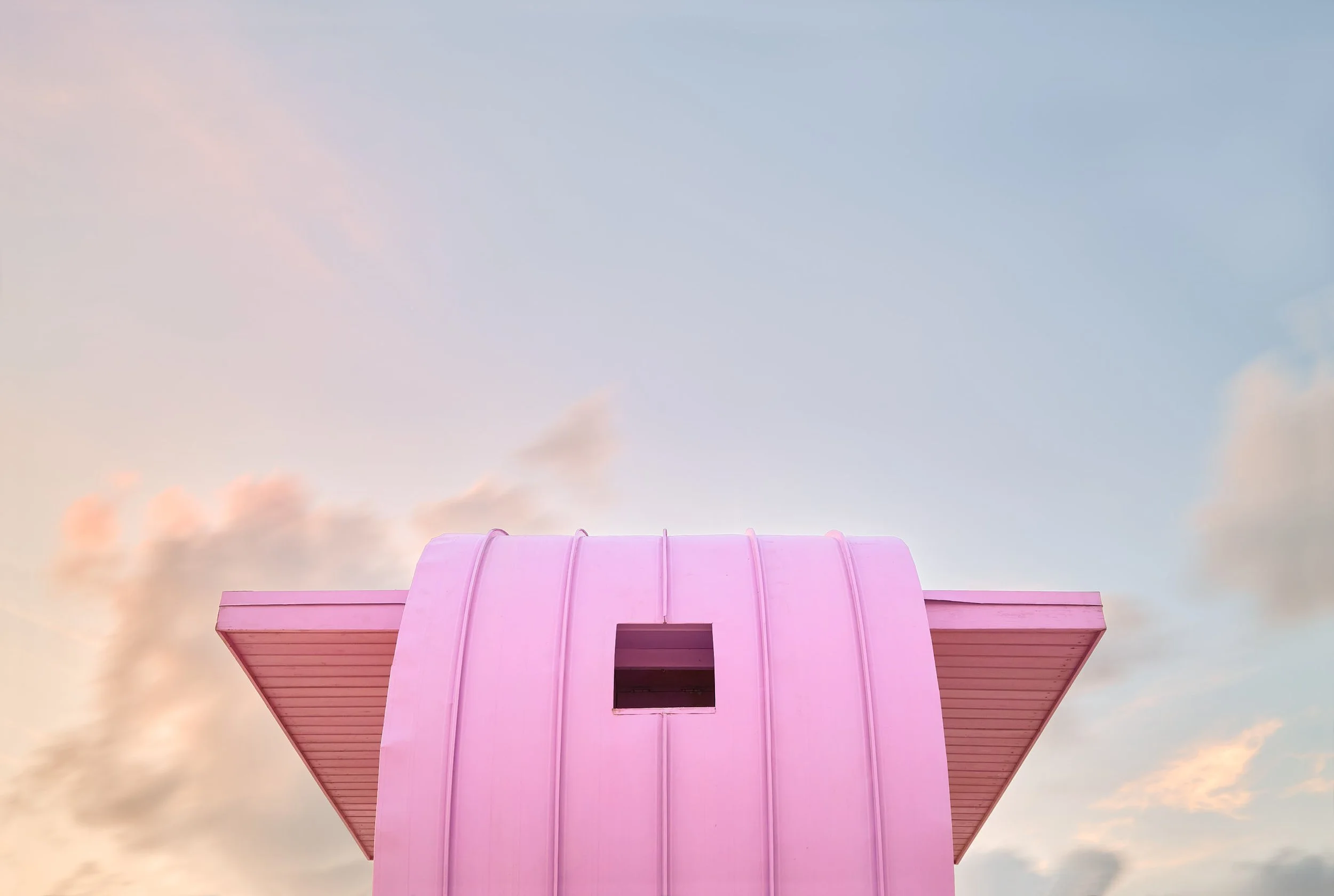
Do you have powerful images? Now it's time to turn them into a cohesive series! In this tutorial, you'll learn how to develop your own style, create consistent looks, and bring your shots up to exhibition level, both technically and creatively. With my structured roadmap to image editing, you'll become more confident, faster, and more focused—from RAW selection to final export.
From picture collection to fine art photo series
From RAW to WOW: Master Your Editing Workflow Today!
You don't just want to edit pictures—you want to create a series that leaves a lasting impression. In this compact tutorial, you'll learn how to develop a consistent, professional fine art series from a collection of strong RAW files— ready for a gallery, competition, or portfolio.
Hasselblad Master photographer Albrecht Voss shows you his complete workflow: fast, practical, and exactly how he uses it himself on international assignments. From project setup to color looks to final export—everything is clearly explained, immediately applicable, and reproducible at any time.









A fine art photo series in 90 minutes:
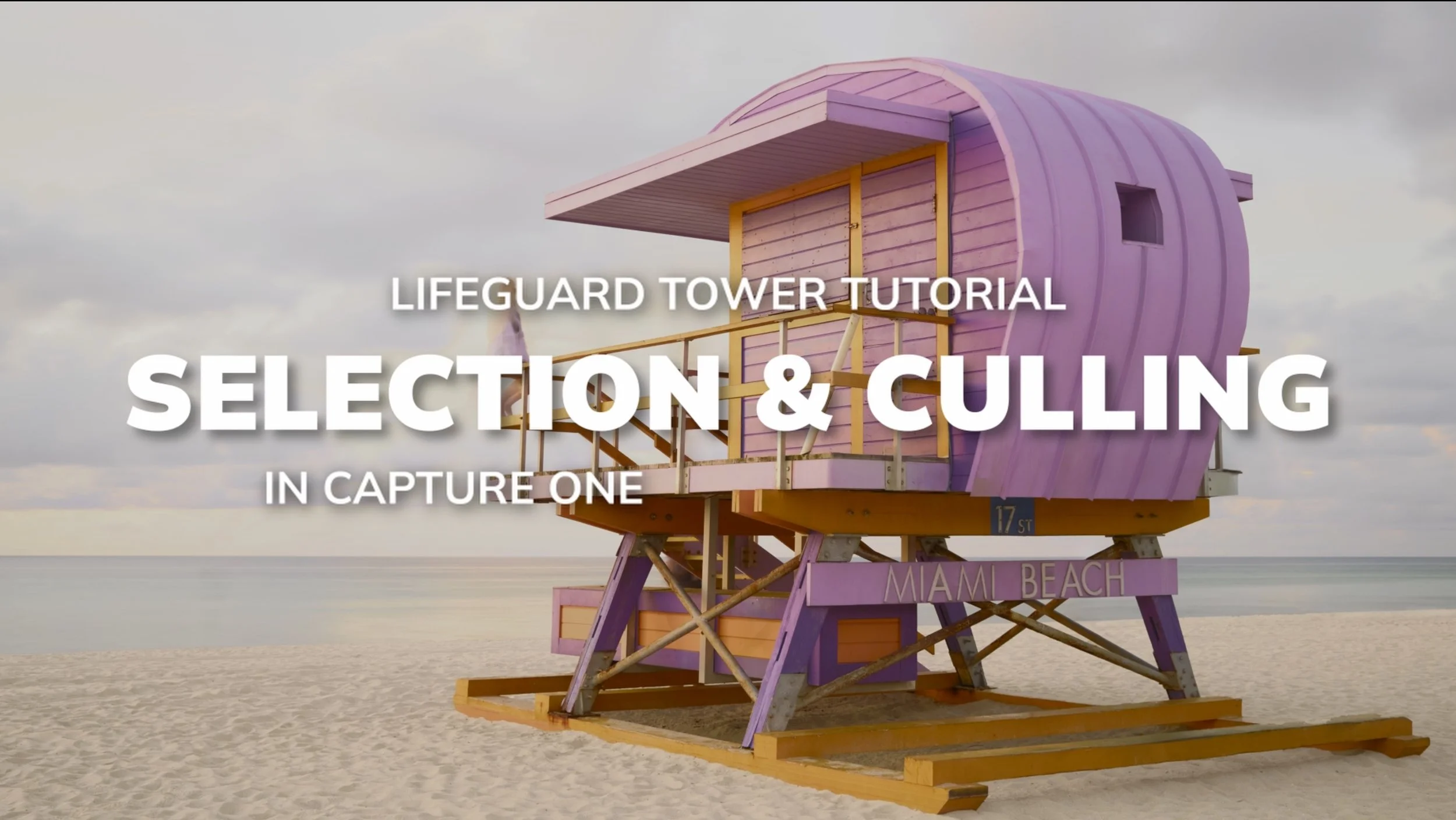
Image selection - 29:10
-
In this chapter, the path to a high-quality photo series begins right after the shoot: you will learn how to set up your project structure professionally from the outset. Then I will show you my approach to selecting images for a strong and stylistically consistent series of images.
Creating a Capture One Look - 16:53
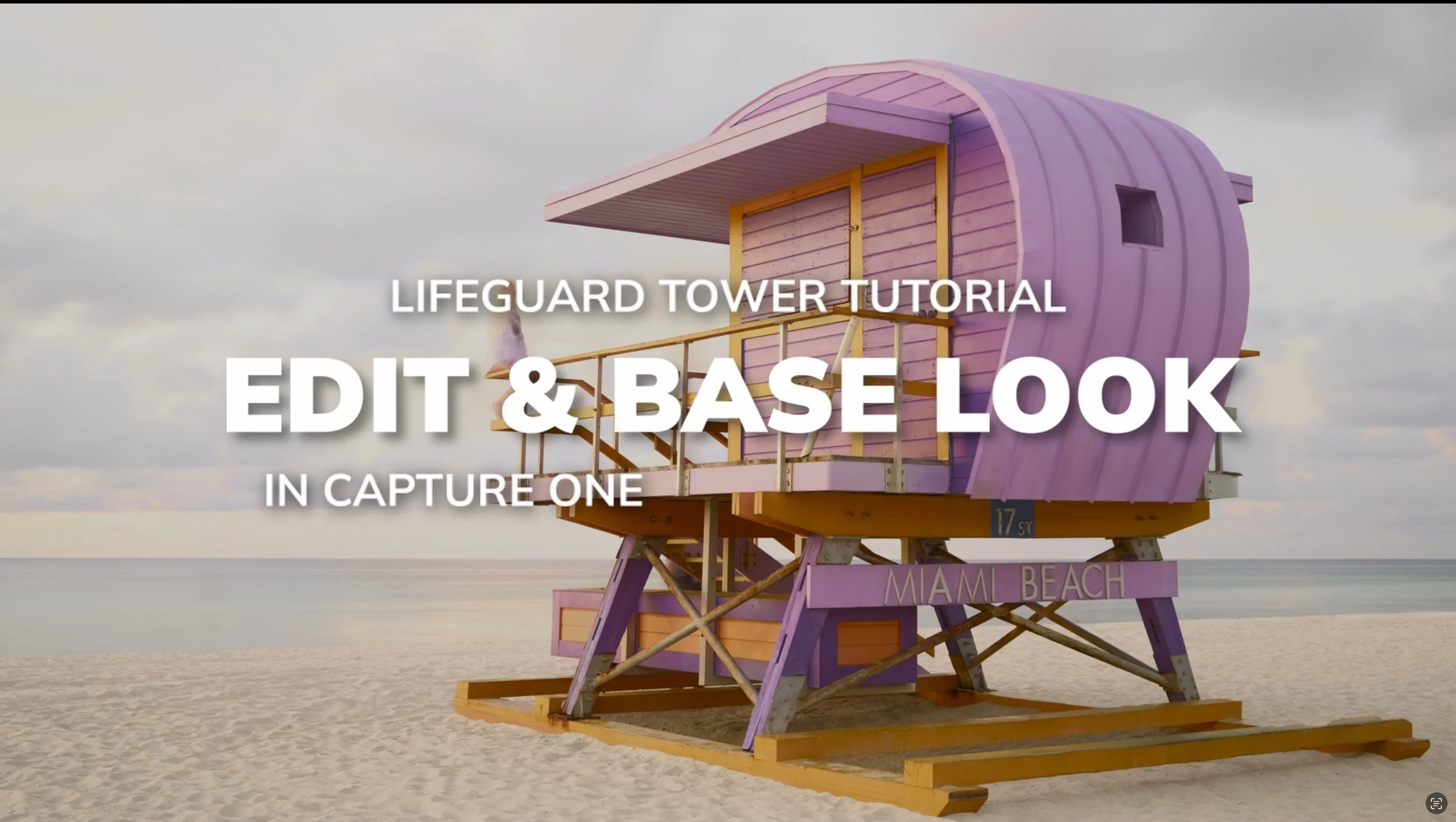
-
I'll show you how I determine my color palette through research and references, what basic settings I use for each series, and how I deal with differences in lighting within a shoot.
Photoshop detail editing - 35:52
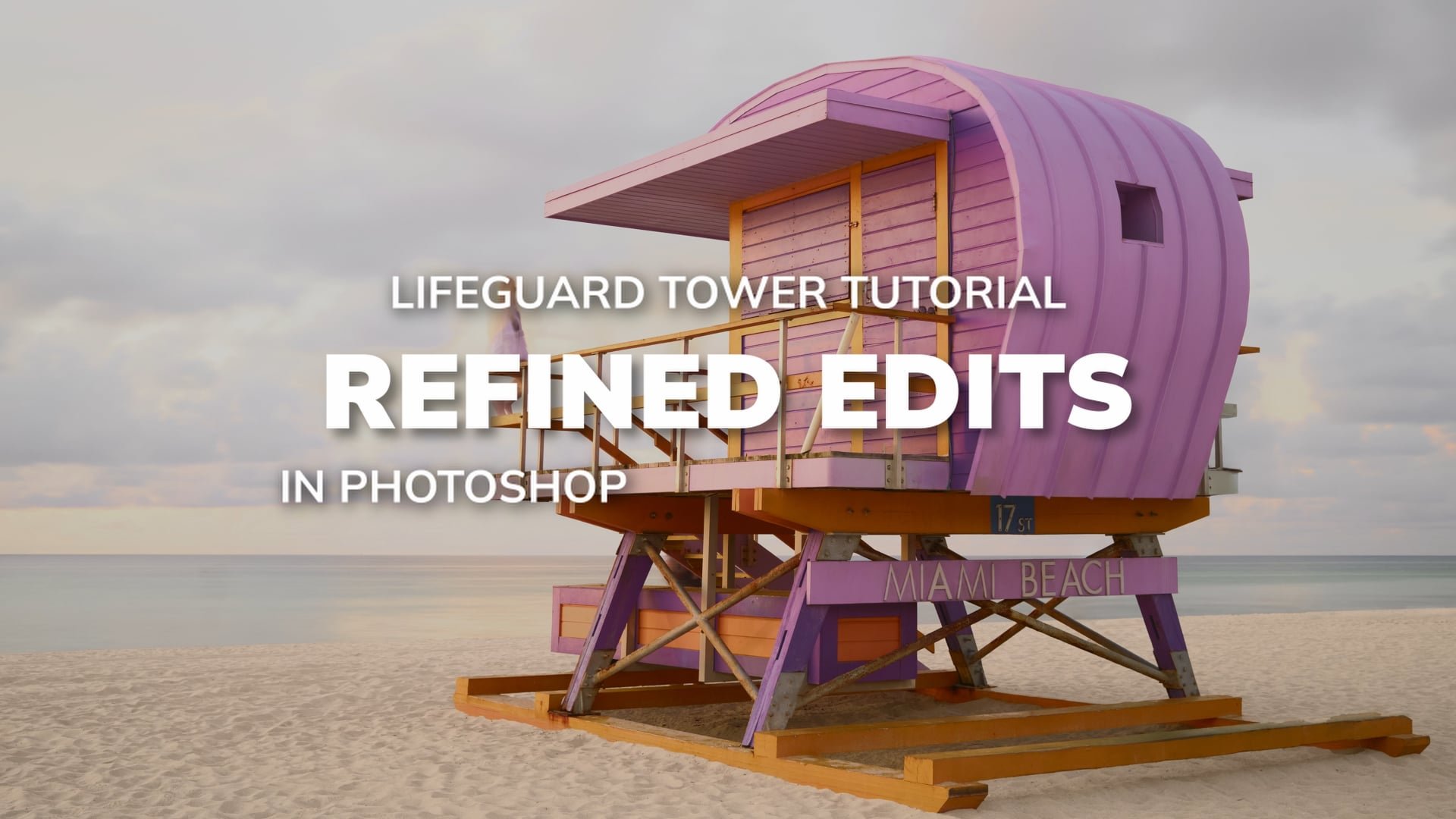
-
You will learn how I use manual exposure blending and how I correct converging lines. Tools such as the clone stamp, remove tool, content-aware fill, and object selection are used specifically for this purpose. Finally, I will show you global and local adjustments that can be used to make the entire series consistent in terms of color, lighting, and style.
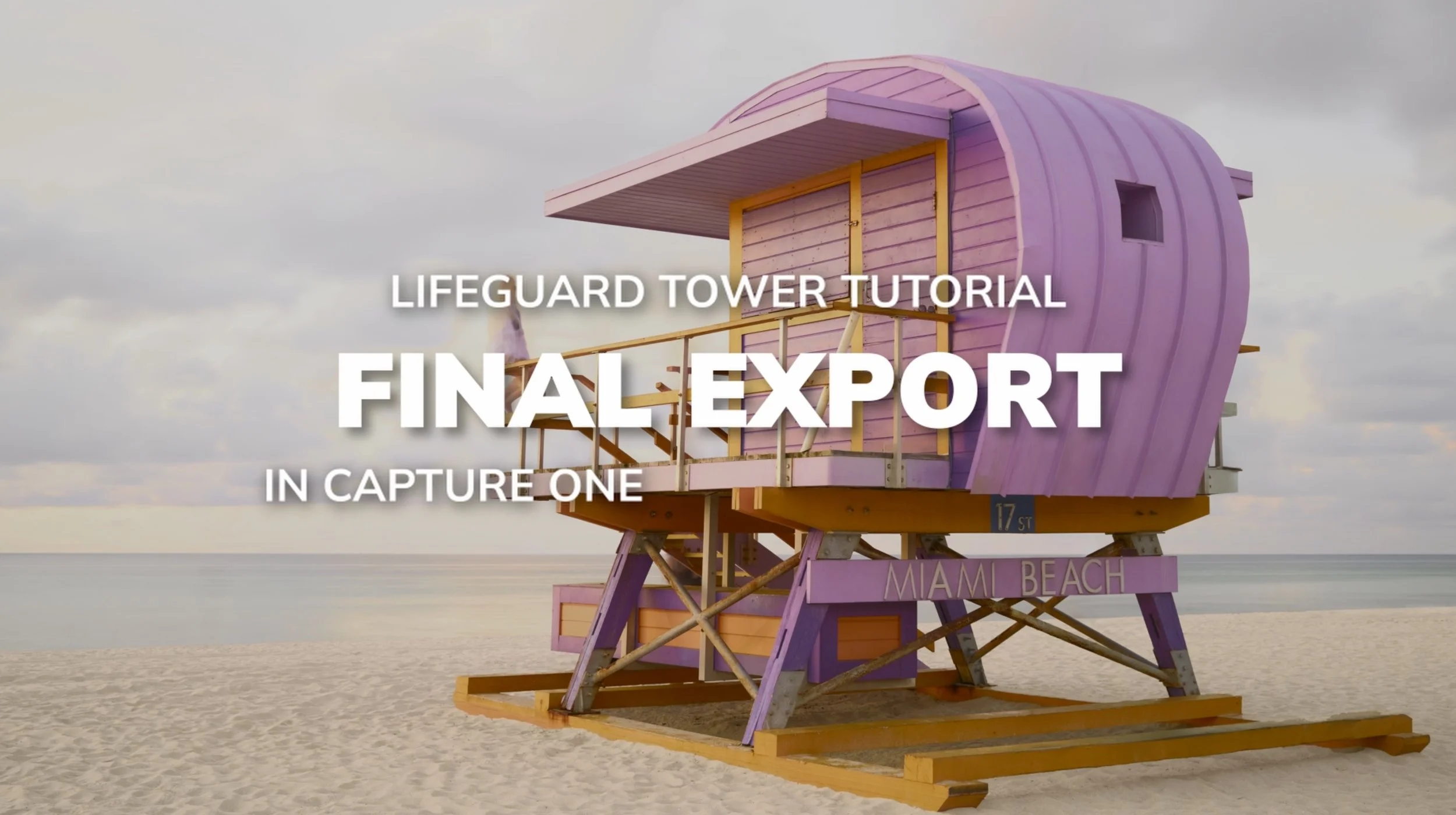
Final export for web and print - 03:53
-
In this compact concluding chapter, you will learn how to neatly output your final series—both for high-quality prints (e.g., for exhibitions or portfolio folders) and for web presentations.
Bonus
Want to follow every step of the editing process 1:1? No problem—the course gives you access to the original RAW file of the sample image. This allows you to follow all the steps exactly and actively participate—from RAW to the final print.
Behind the Scenes in Florida.
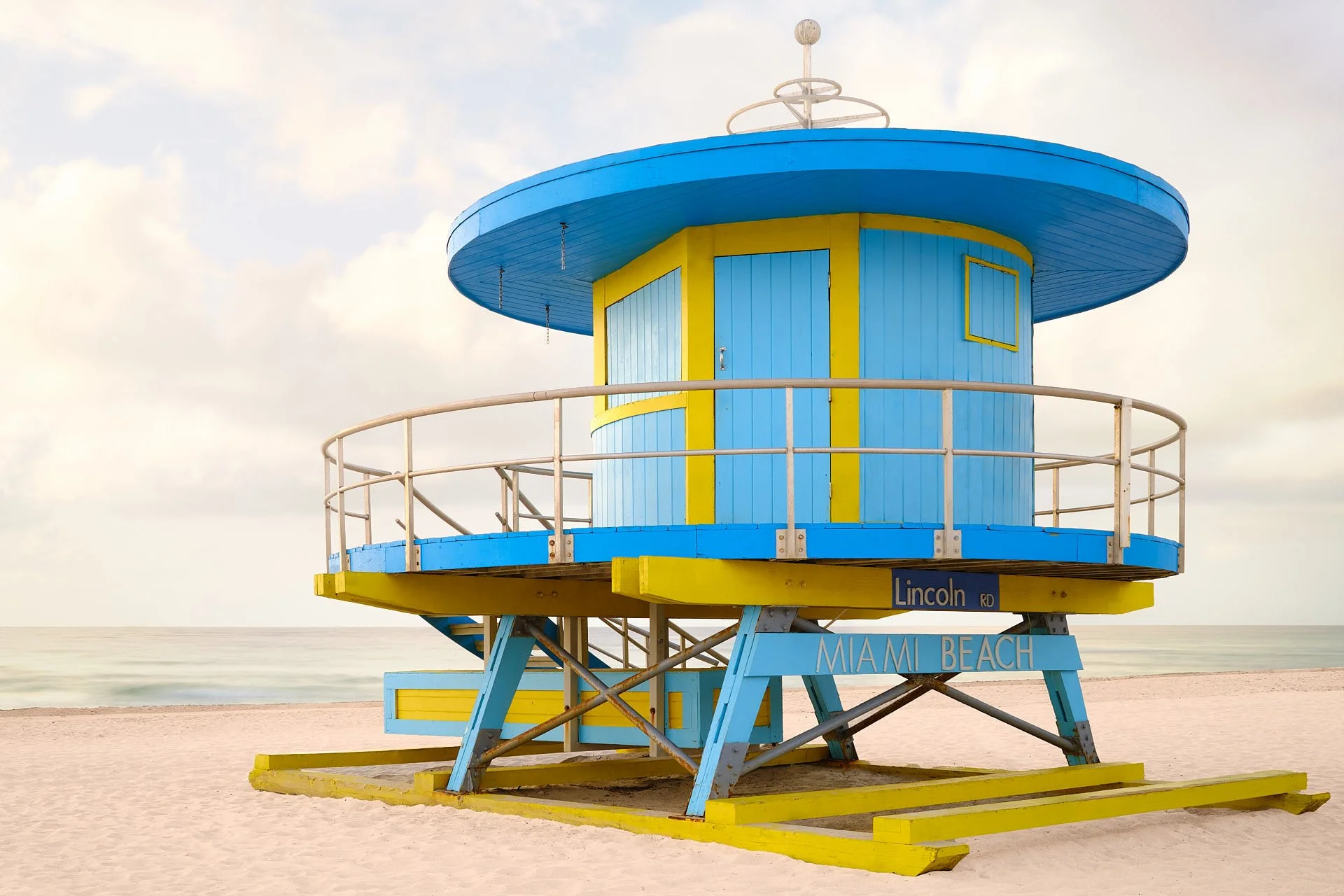
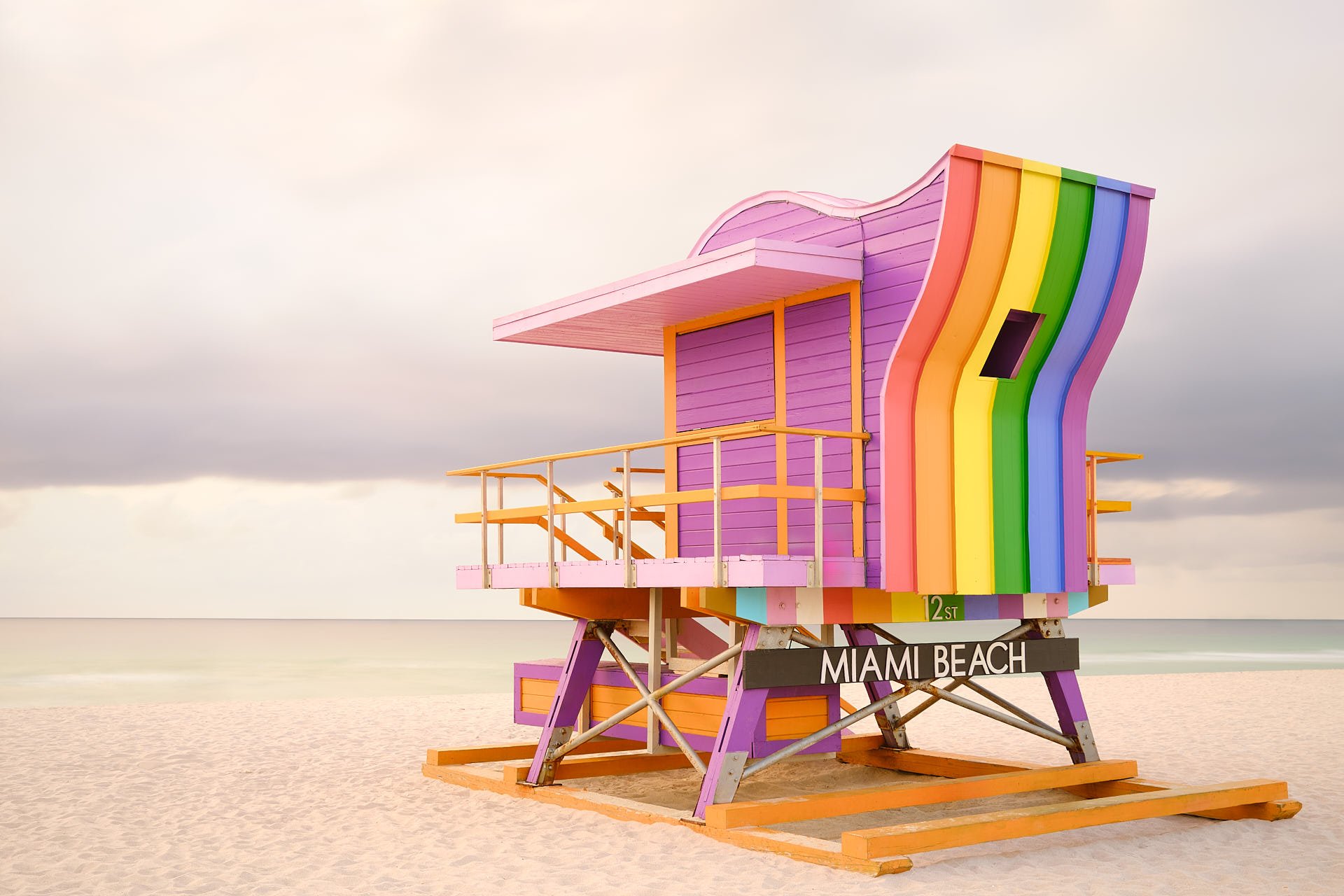
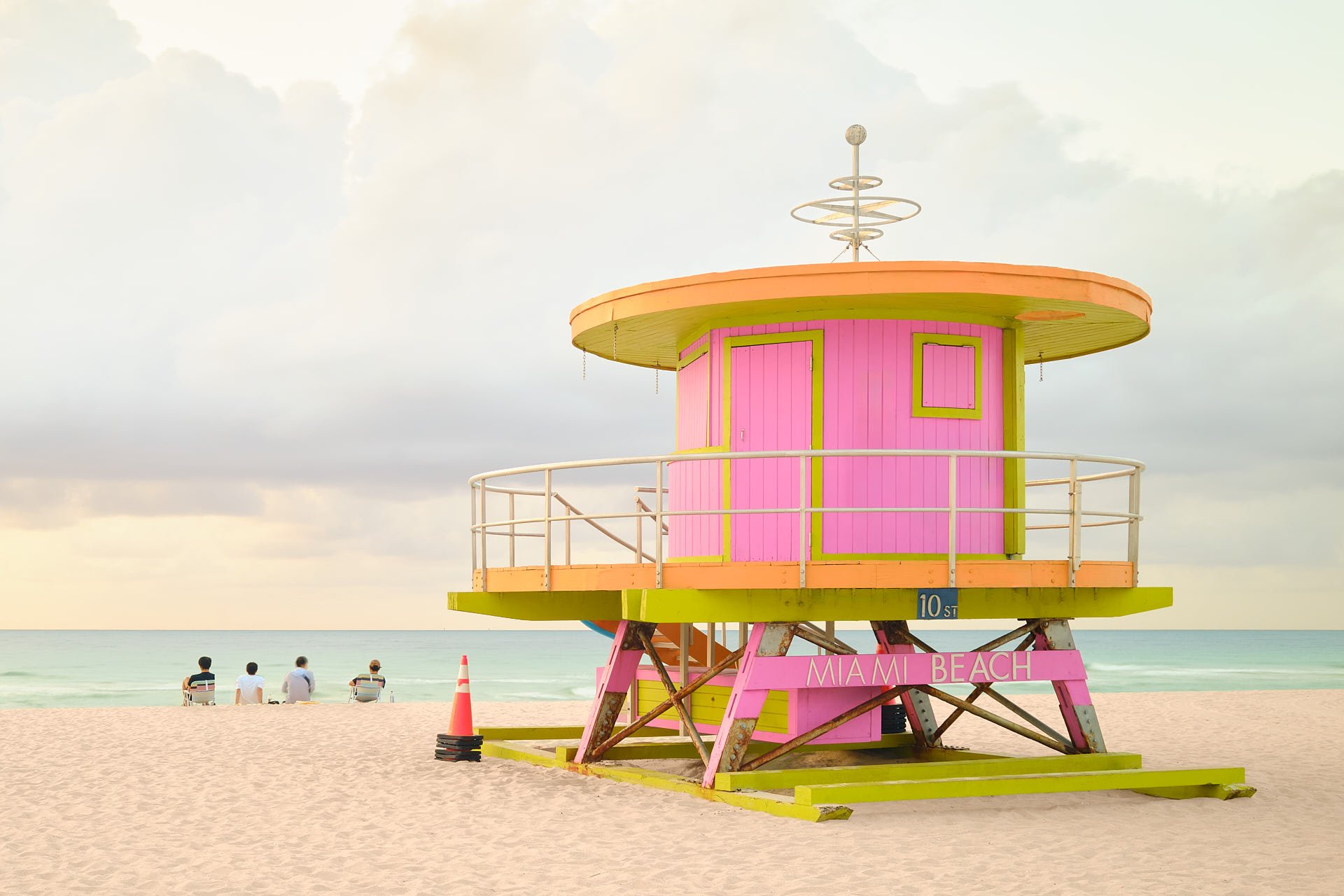
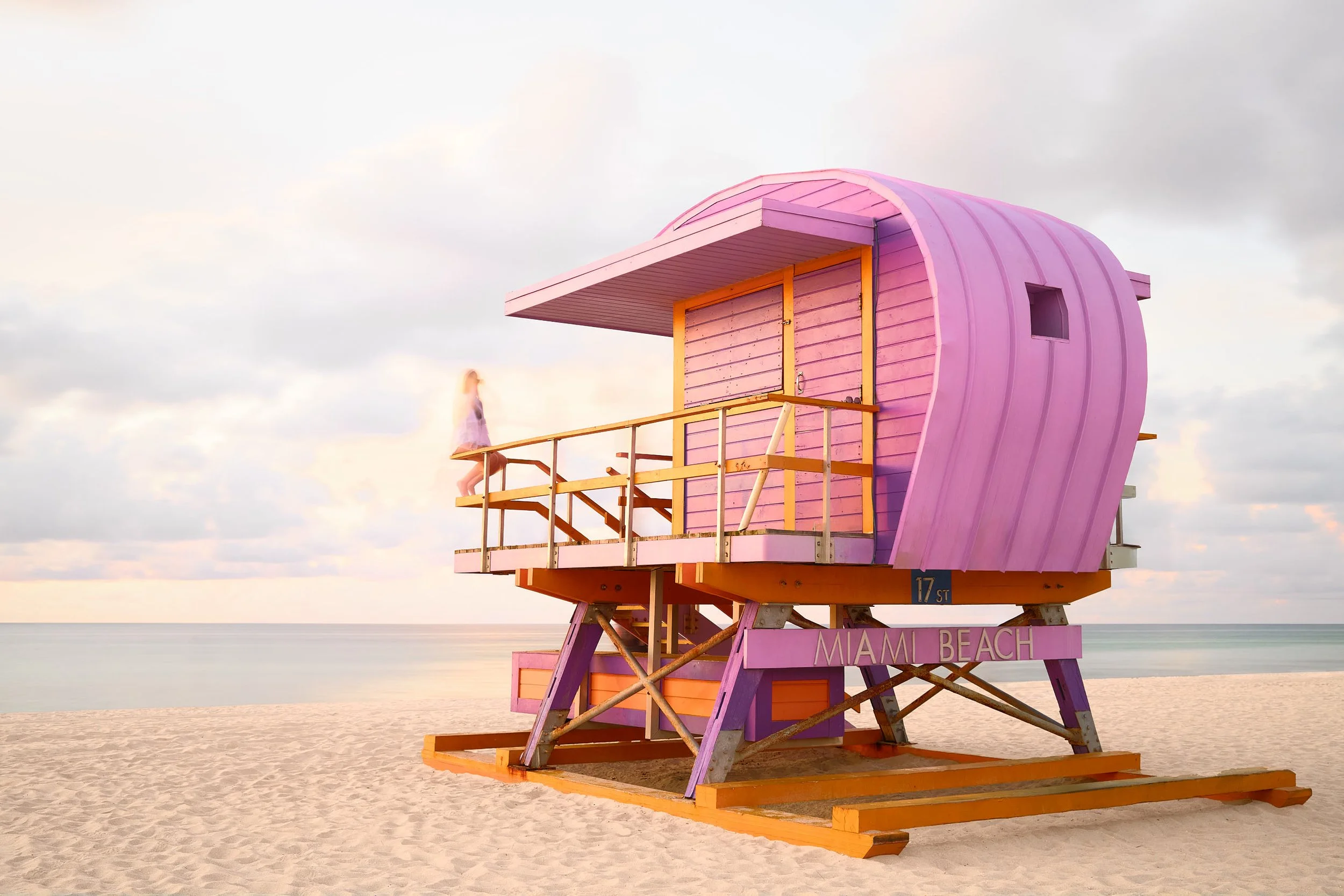
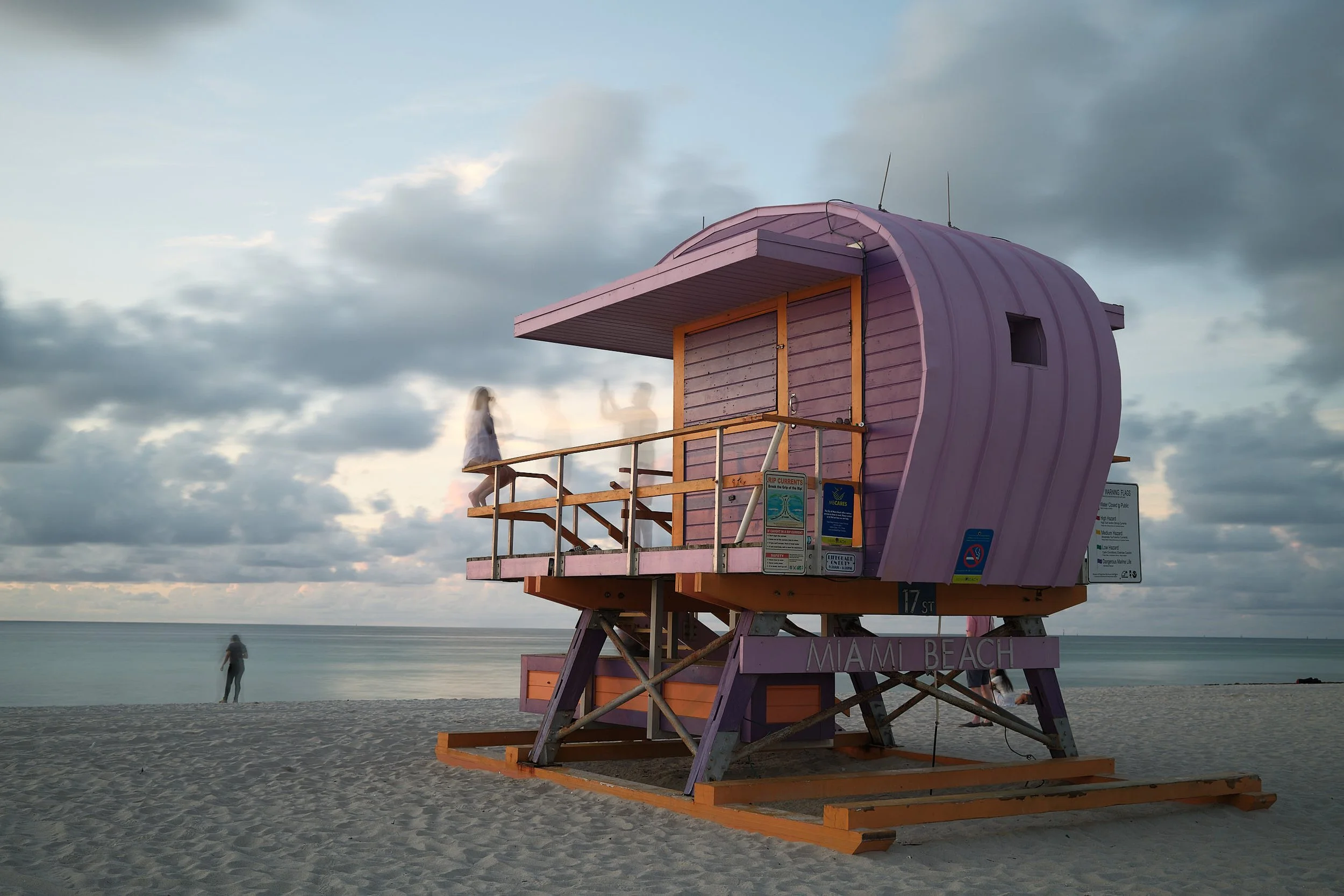
Join me on a two-week journey through Florida, where I used the Fujifilm X100VI not only to document our family vacation, but also to photograph the fine art series "Where the Ocean Begins" —a visual homage to the iconic lifeguard towers of Miami Beach.
In the video, you will learn how the pictures were taken on location, what ideas are behind the series, and what is more important for the success of a photo series—the best camera or a good plan.
Frequently Asked Questions (FAQ)
-
In this tutorial, I will show you how I work in Capture One and Adobe Photoshop. However, the tools I use in Capture One can also be found in Adobe Lightroom, so you can follow along with the tutorial.
-
In the video course, I explain my approach step by step and show all the keyboard shortcuts I use. Nevertheless, I recommend that you only start the course if you have a solid basic understanding of Capture One (or alternatively Adobe Lightroom) and Adobe Photoshop.
-
I deliberately took the pictures for this tutorial with a Fujifilm X100VI APS-C camera to show that sensor size and megapixels are not important for this type of editing. You can apply the knowledge shared here to any camera or drone.
-
The entire course is conducted in English – spoken clearly and understandably.
-
The sound quality does not quite meet my desired standard. Nevertheless, I decided to publish the course at a reduced price instead of scrapping the project. Feel free to check out the sample lesson in the next section and see for yourself whether the course fits your workflow.
-
After purchase, you will receive permanent access with no time limit. You can view all content as often as you like—ideal for review or as a reference for editing your next photo series.
-
Access is granted immediately after purchase. You will receive a confirmation email with all the information and can start right away.
-
The course is available as a digital streaming product via this website. This has the advantage that you can access it at any time, even from different devices. A download is not provided to protect the content from unauthorized distribution.
-
I recommend viewing the course on a screen that is large enough to follow my settings in the software. Any screen larger than 11 inches should be sufficient for this purpose.
-
We deliberately do not offer refunds —instead, we provide you with one chapter of the course free of charge. This allows you to get an idea of the style, structure, and quality before you buy.
Free preview:
Developing the look of an image in Capture One
In this video, you can see an example of how I develop a consistent look for my own series based on an inspirational image from the book Lifeguard Tower: Miami by Tommy Kwak. I explain how you can specifically transfer color schemes, contrast, and toning without simply copying presets.
Even if you work with Adobe Lightroom, you can easily apply the principles shown here to your own workflow—the focus is on visual language, not on the software used.
Note on audio quality
The sound quality does not quite meet my desired standard. Nevertheless, I decided to publish the course at a reduced price instead of scrapping the project. Take a look and see for yourself whether the course fits your workflow.
Complete Lifeguard Tower Series
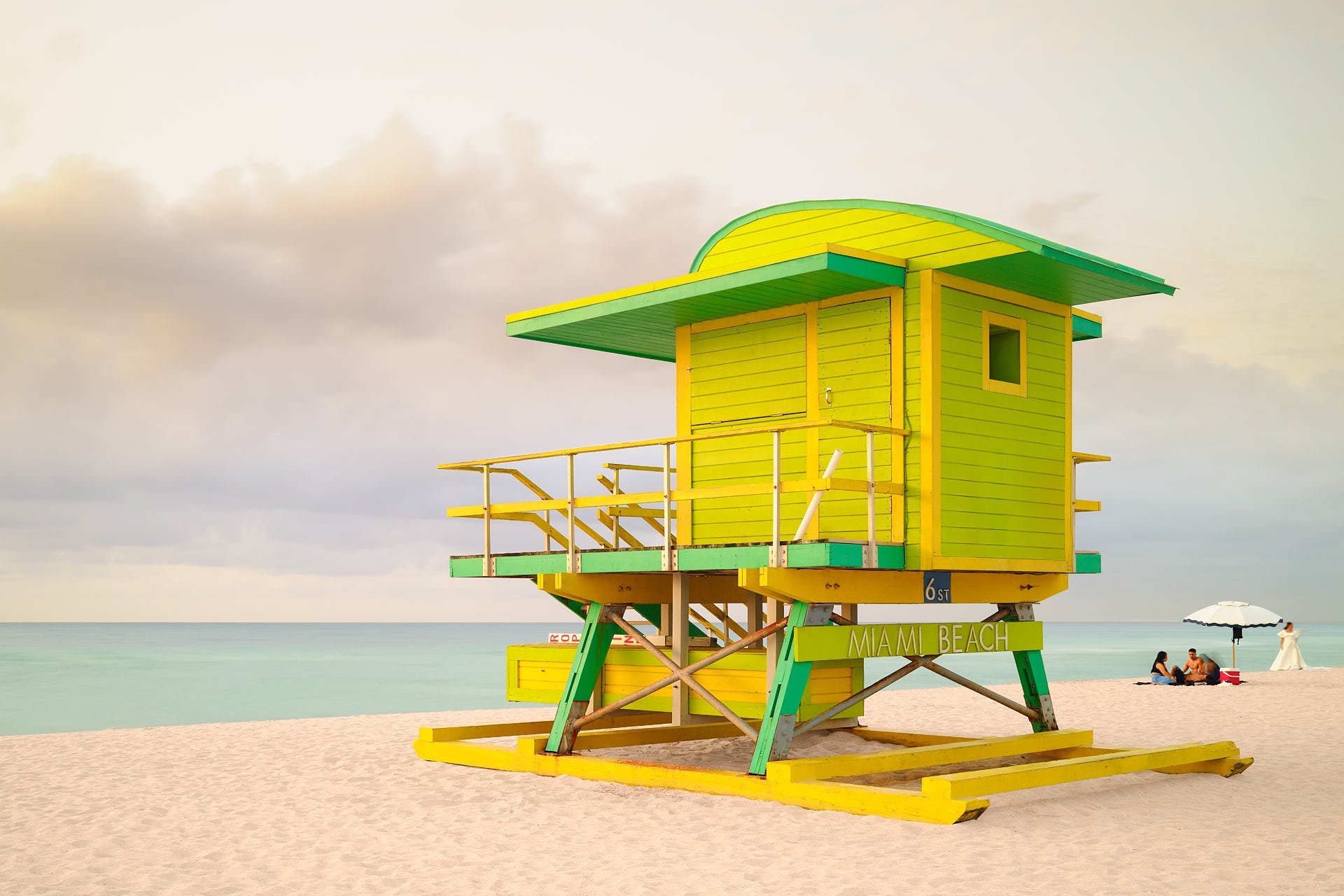
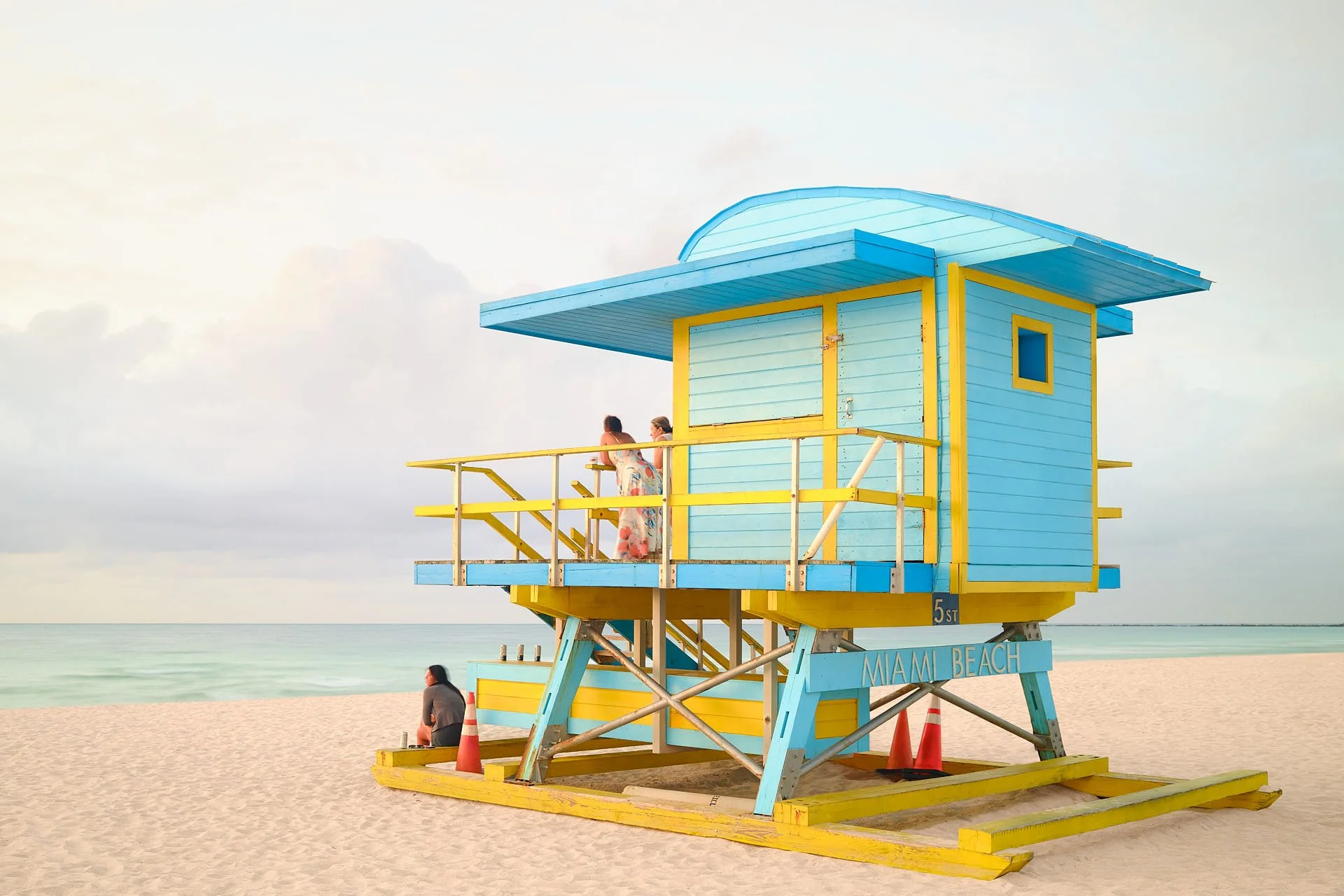
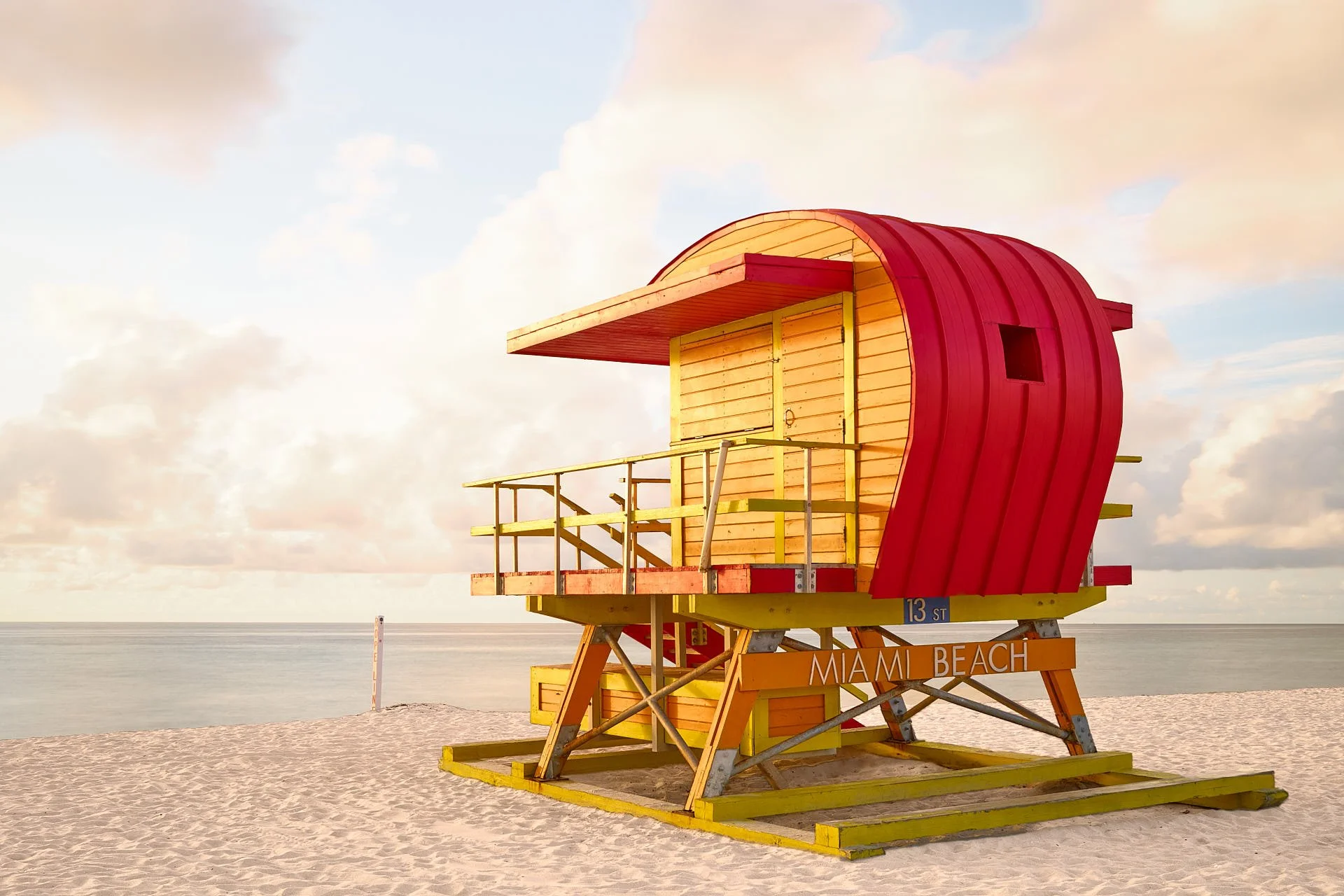
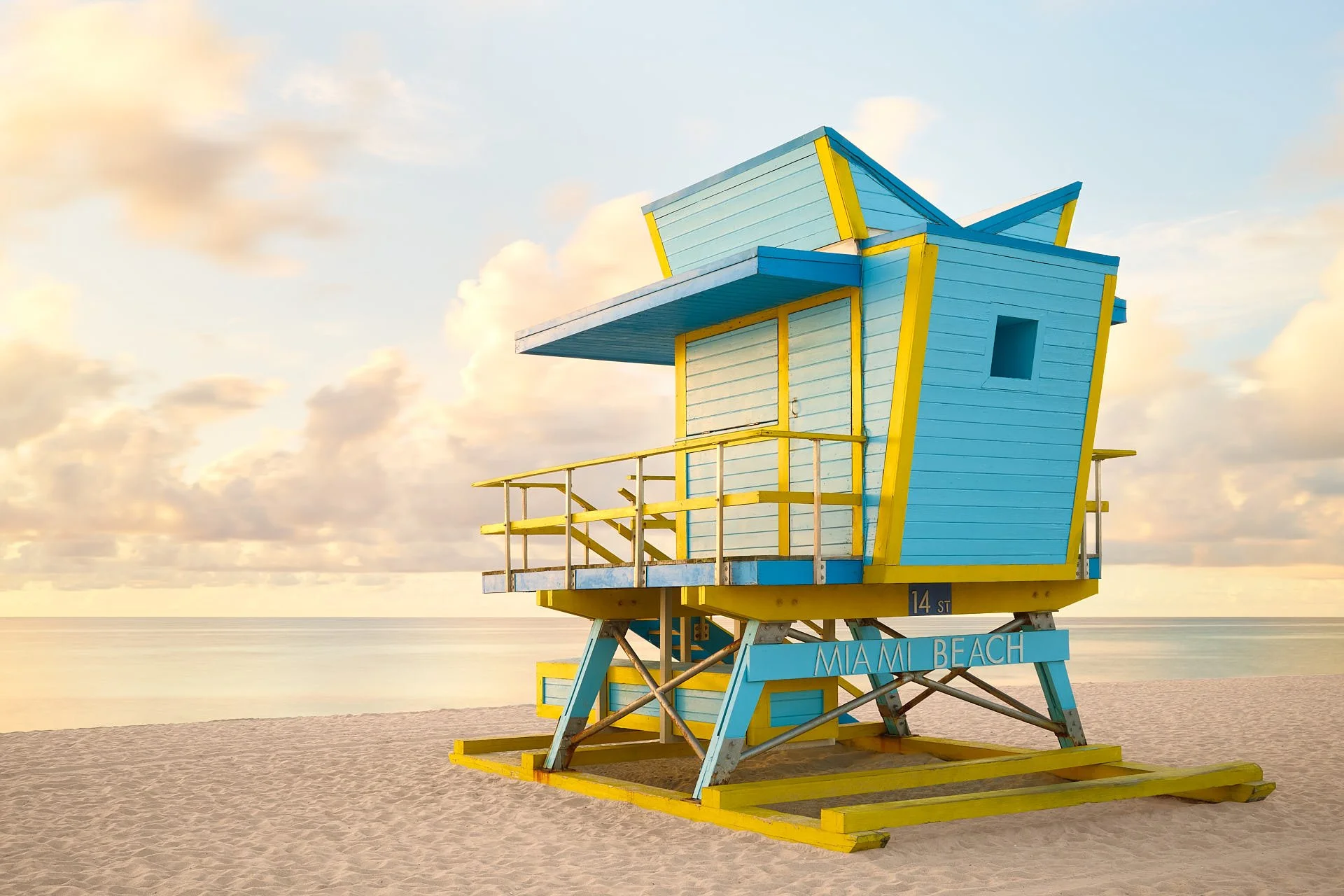
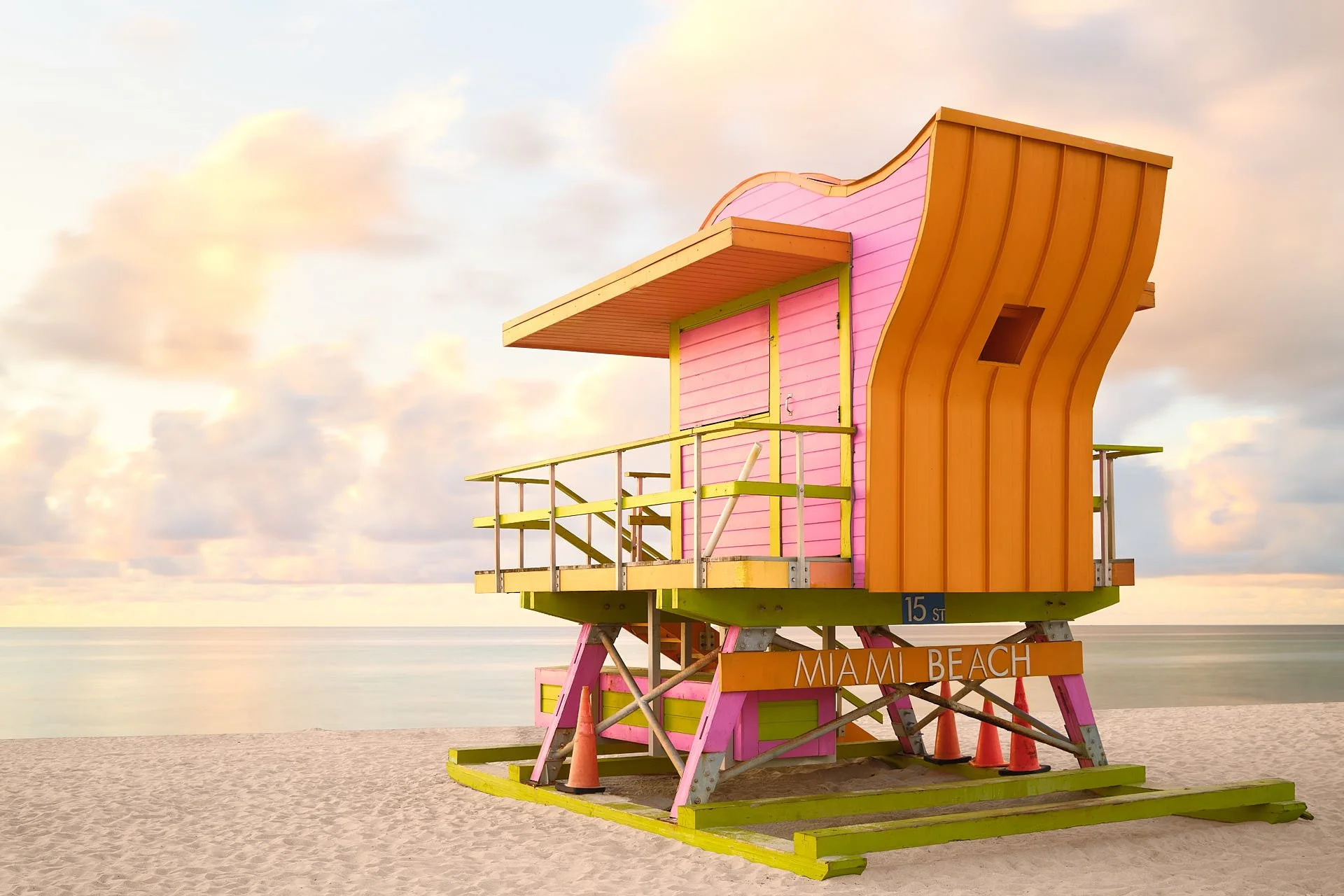
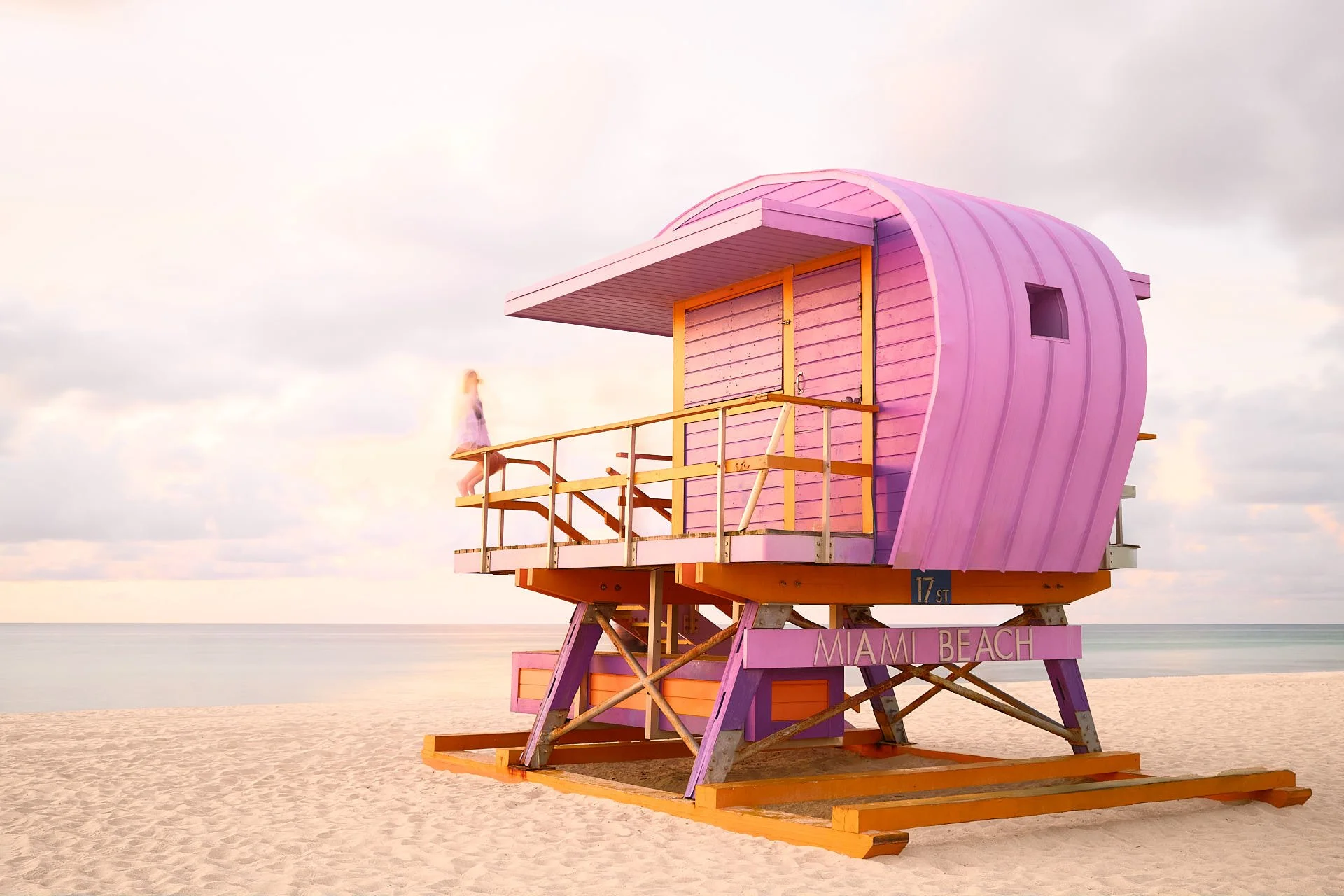
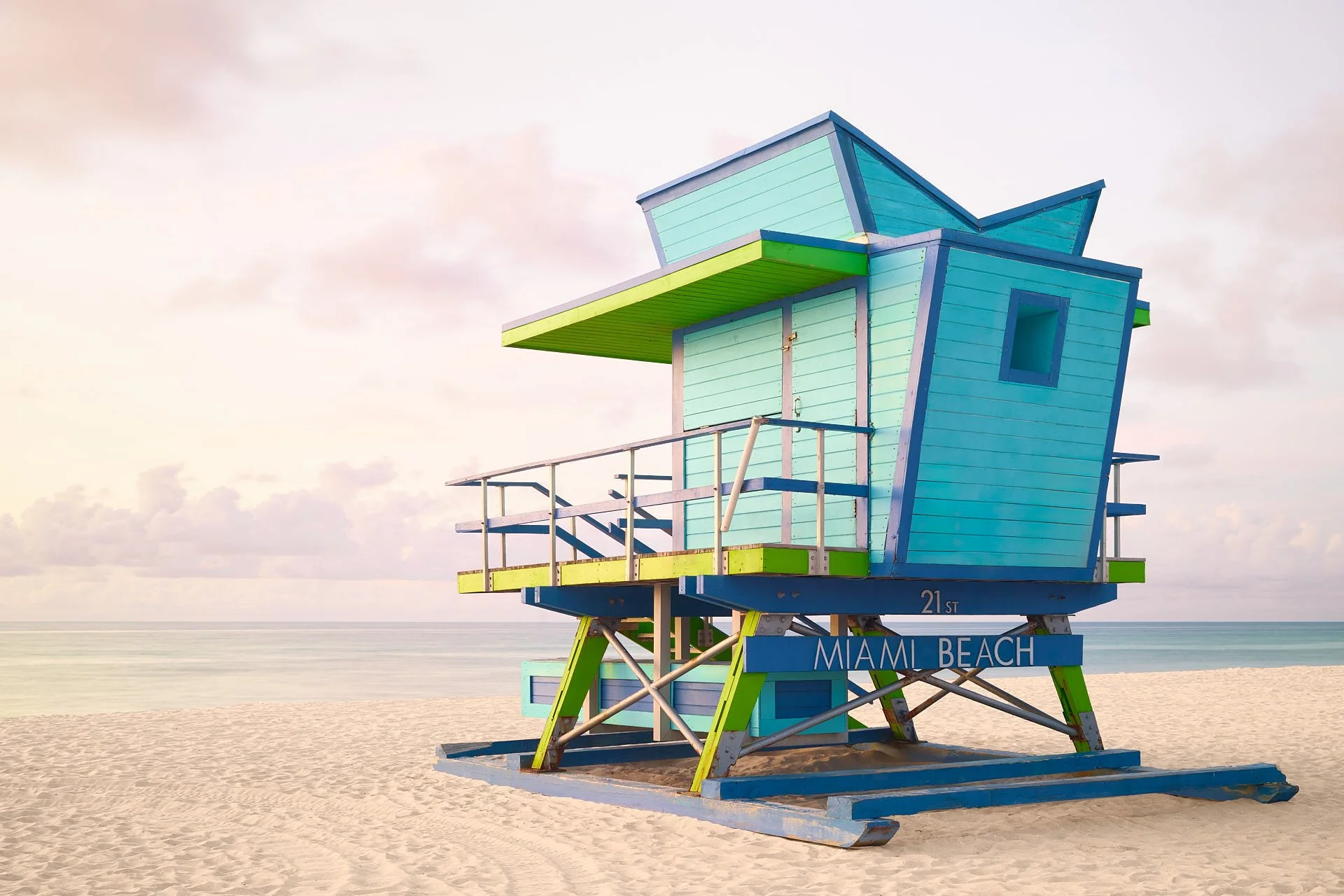
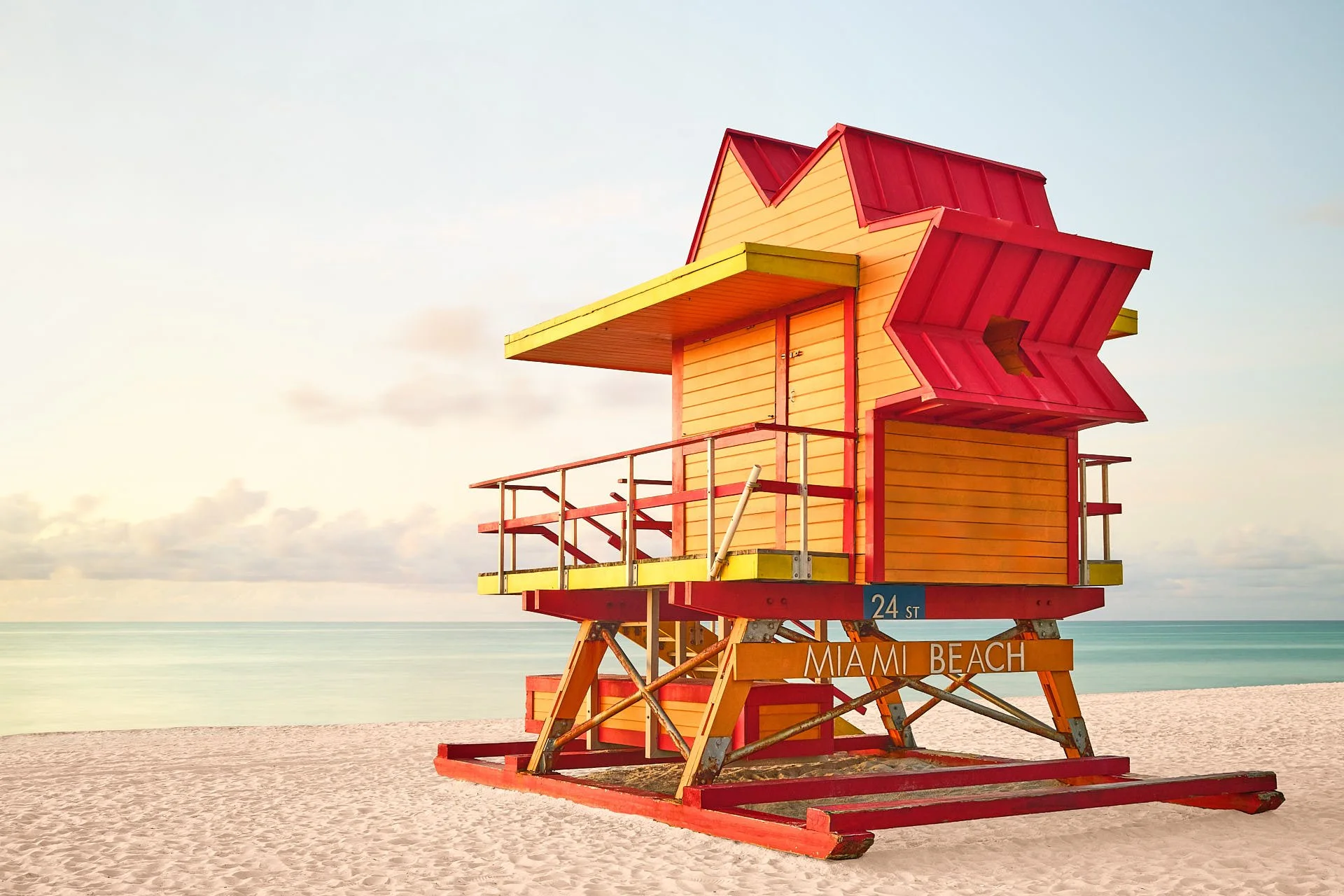
About the Course Instructor – Albrecht Voss
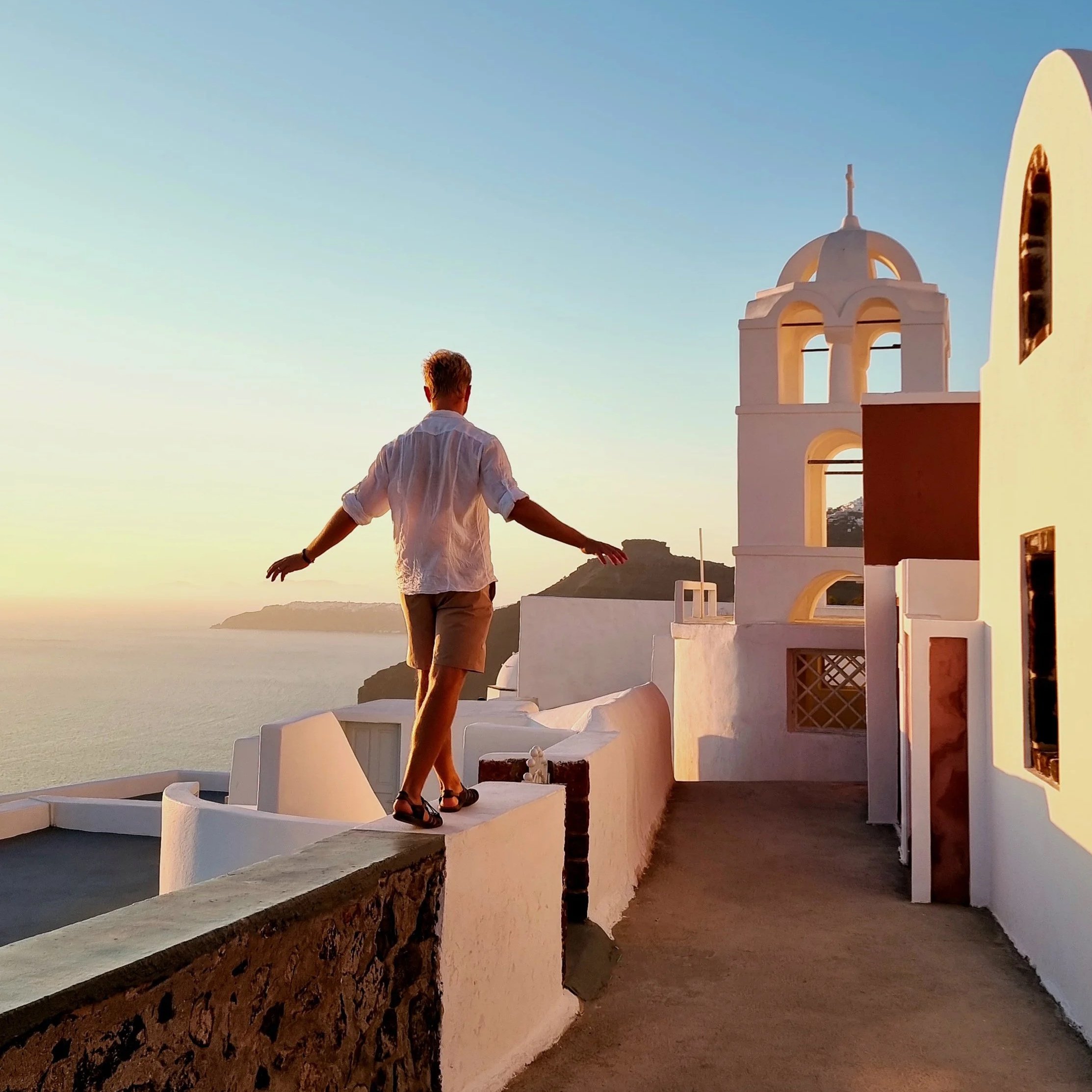
Albrecht Voss is an internationally active architectural photographer and one of the most experienced experts in the field of high-quality medium format photography. For over 15 years, he has been photographing for leading architectural firms, industrial companies, public institutions, and international design and tourism brands. His focus is on sophisticated architectural, landscape, and advertising photography, where technical know-how and creative sensitivity seamlessly intertwine.
In 2021, Albrecht Voss was awarded the title of “Hasselblad Master” – one of the most prestigious awards in the world of photography. Since then, he has been regularly involved in the product campaigns for new Hasselblad cameras, including the Hasselblad X2D and the new X2D II, for whose launch he created campaign images. He knows these cameras not only from theory but also from many years of intensive practice – in complex productions, changing environments, and under real project requirements.
In addition to his work as a photographer, Albrecht Voss is also active as a workshop instructor. In his photography workshops – from individual training sessions to group formats and photo trips – he imparts well-founded practical knowledge with a clear focus on technology, design, and professional workflow. The focus is always on the personal development of his participants.
With his English-language YouTube channel, he also shares in-depth insights into his photographic work, his camera setups, and his professional image editing. The content is aimed specifically at ambitious photographers who want to take their craft to the next level – with high-quality equipment, genuine know-how, and a clear visual signature.
Start course now.
Bring your photo series to gallery level at
:
Do you have powerful images? Now it's time to turn them into a cohesive series! In this tutorial, you'll learn how to develop your own style, create consistent looks, and bring your shots up to exhibition level, both technically and creatively. With my structured roadmap to image editing, you'll become more confident, faster, and more focused—from RAW selection to final export.